Reminder
Schedule a text message to remind someone about something, and they can just listen to it.
With Reminder, you pick the date and time, type the message, and it is played aloud as an audio notification. Nothing for them to read or type.

How Reminder works
You schedule it
Use the Reminder web application to write your message and choose the date and time.
It is sent on time
At the time you chose, the reminder goes out as a text message.
They hear it
It is played aloud as an audio notification.
See and hear an example
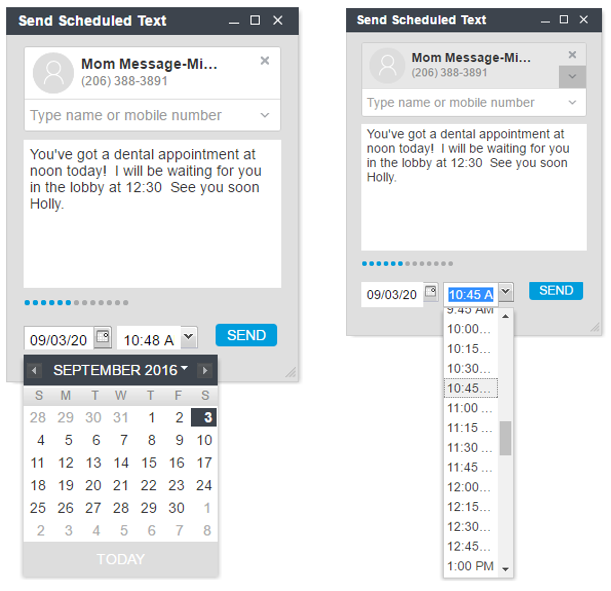
A scheduled reminder for a dental appointment. The audio clip is a computer-generated voice that shows how a reminder sounds.
What Reminder includes
- Reminder web application
- Schedule reminders by date and time
- Audio notifications using text message
Want to send and receive text messages by voice, or add group messaging? See Messenger and Message-Minder, or the product comparison.
To stop texts at any time, reply STOP to any message. Message and data rates may apply. Mobile information is not shared with third parties or affiliates for marketing or promotional purposes. See our Privacy Policy and Terms.